
I’m a big fan of Canva – this website allows your students to design anything without having any coding or Photoshop skills.
Canva is an industry tool.
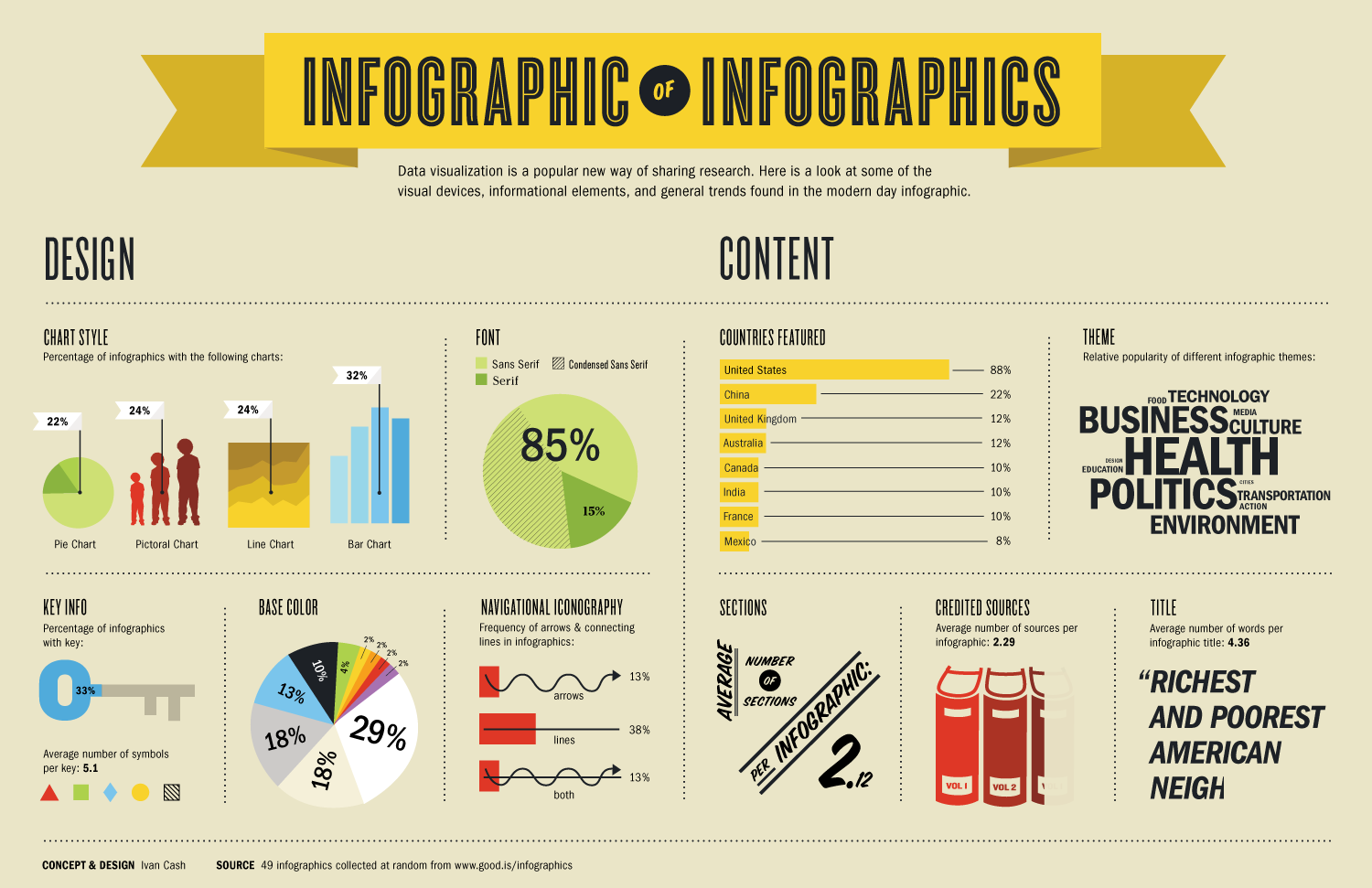
While using Canva in my Introduction to Business course, of my Sophomores explained how his sister, a marketing consultant, uses Canva every week to produce professional looking graphics. Canva is also a top contender in creating basic infographics – a form of data communication that is especially popular on social media.
Features & Application in the Classroom
They can jump right in! After signing up, students can create banners, basic infographics, posters, ads, and anything imaginable. One unique application that can work for any class: students research a topic individually, and present their findings in a digital poster made in Canva. This allows students to be creative in their presentation of their knowledge. These designs can be shared and printed, and students can do a gallery walk to learn more about the other students’ topics – all from their Canva designs.
What to know before jumping in
Canva does have some premium photos, but any Google Image can be imported into the site for free. Undoubtedly, your students will try to use paid images during their first usage. Model for them that they should only use images that say ‘Free’ and teach them to import images from Google into Canva, for limitless possibilities.
If you don’t want to create an account, check out some of the interface and examples of what Canva can create here.
About the blogger: Alex Lamon is a high school business educator in New Jersey. His main goal is to connect students to the world of business, economics, and their financial future. He uses the most engaging methods possible so students become passionate about their own learning. Alex currently teaches AP Economics, College Prep Economics, Financial Literacy and Introduction to Business. Connect with him on Twitter @alexmlamon or at alexlamon.com.
This blog post was relaunched on mbea-ma.org with permission from the blogger. You may find the original post HERE.